Hit enter to search or ESC to close

Narrow down your searches to:

  • All
  • Food is Living
  • Industry
  • Farmers & Growers

How to submit a desk research request form


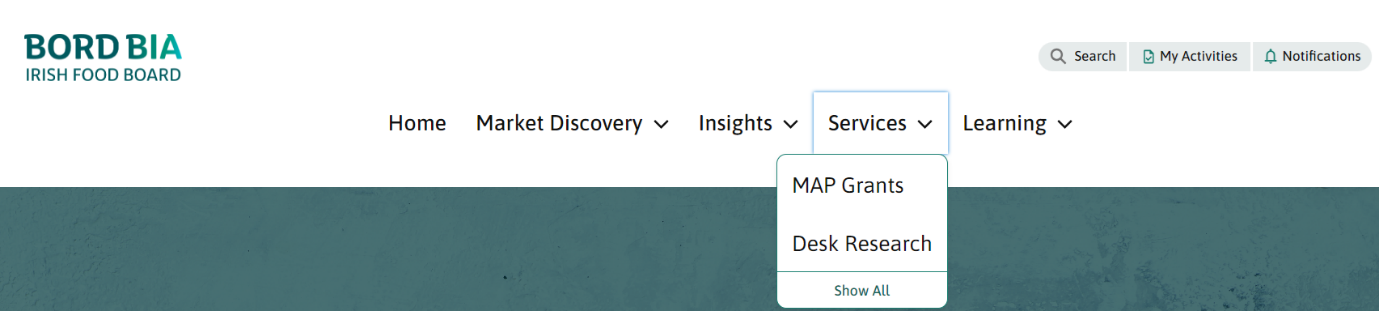
Once logged into the portal select the services option on the navigation bar. From here select the desk research option.


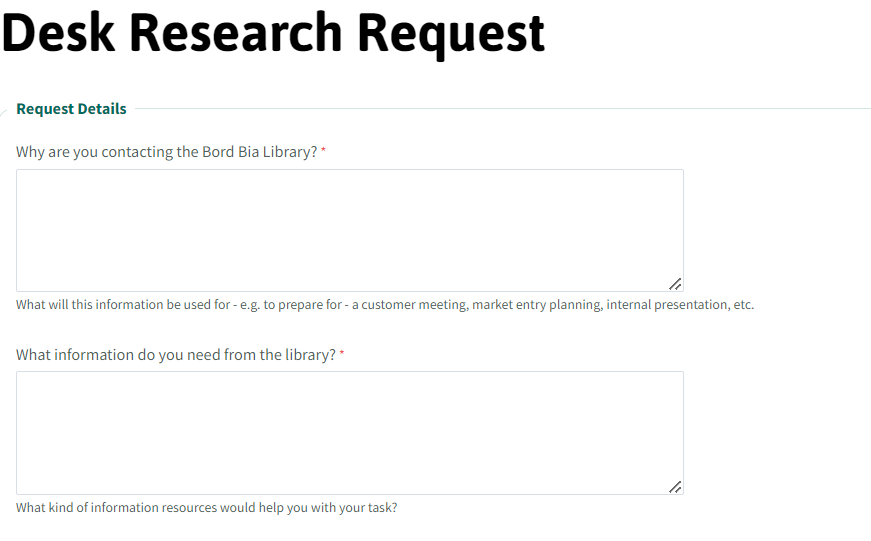
Once the desk research option has been selected a detailed form will appear. Complete your request by inputting text into the free text boxes for the various questions.  
Once completed review the terms section, tick accordingly and click the submit button to complete your form.


 

Once received your form submission will be available in the My Activities section of My Bord Bia.
 
 
You will receive an e-mail notification once your request has been reviewed by the My Bord Bia library team and the response will also be available in the My Activities section.
 
If you have any questions about the desk research request form you can contact the My Bord Bia service desk by clicking on the ‘Need Help’ button at the bottom of the logged in screen.